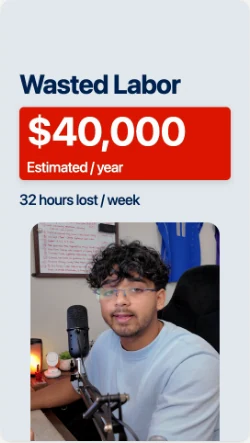
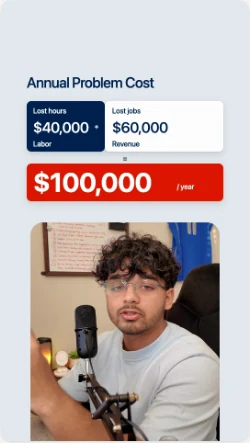
Drop in what you recorded
One take or five, with voice memos and pictures if you have them. The app writes down every word on your Mac, and the video keeps the shape you shot it in.
In private testing on Mac
Join the waitlistA Mac app where the Claude or ChatGPT you already pay for cuts your takes, draws the scenes and hands you a finished video.

 Works with Claude and ChatGPT, on the plan you already pay for.
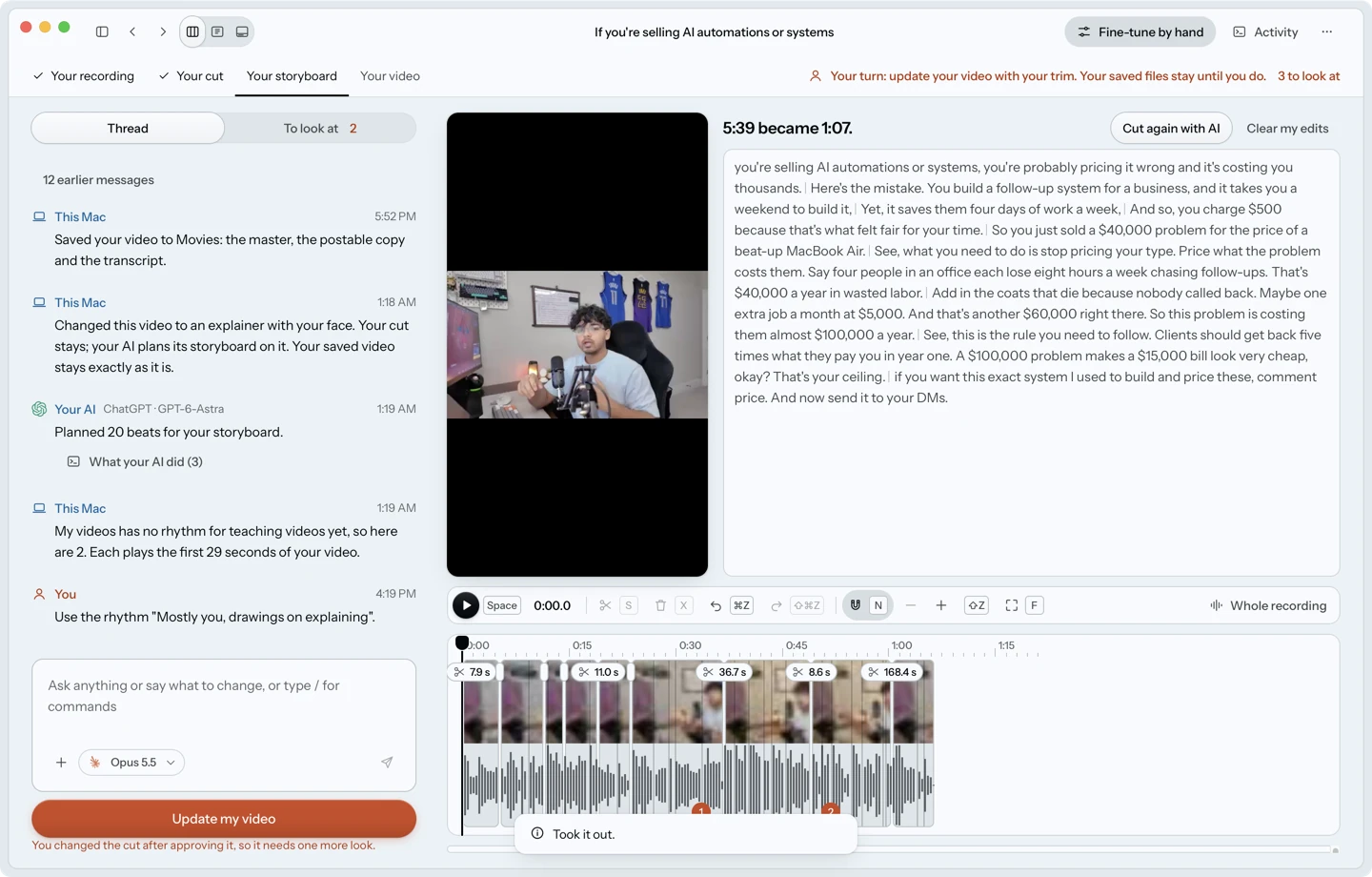
The app on a real video, and the reel it made.
One take or five, with voice memos and pictures if you have them. The app writes down every word on your Mac, and the video keeps the shape you shot it in.
It takes out the retakes, the stumbles and the dead air, and tells you what it removed. Your voice is levelled across takes. You read the cut as text and put back anything you want.
For videos that teach something, you approve the layout first. Then your AI draws each scene in code, timed to your words, and you watch the frames arrive.
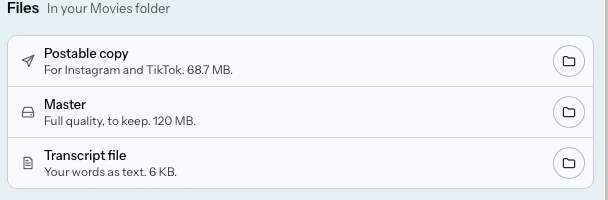
Add captions, an opening line and a follow card if you want them. A full quality master and a smaller copy to post land in your Movies folder.
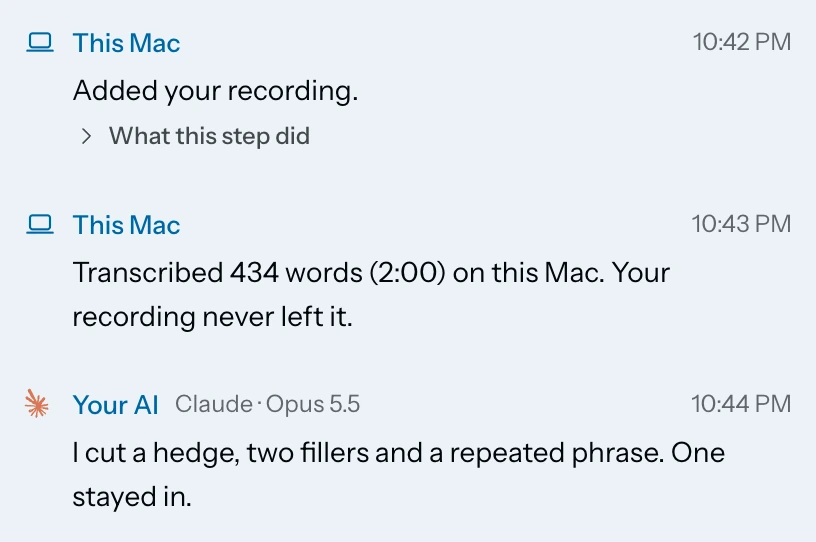
These are pictures of the app working on real videos. Your AI does the editing. The window is where you watch it, steer it and check it.
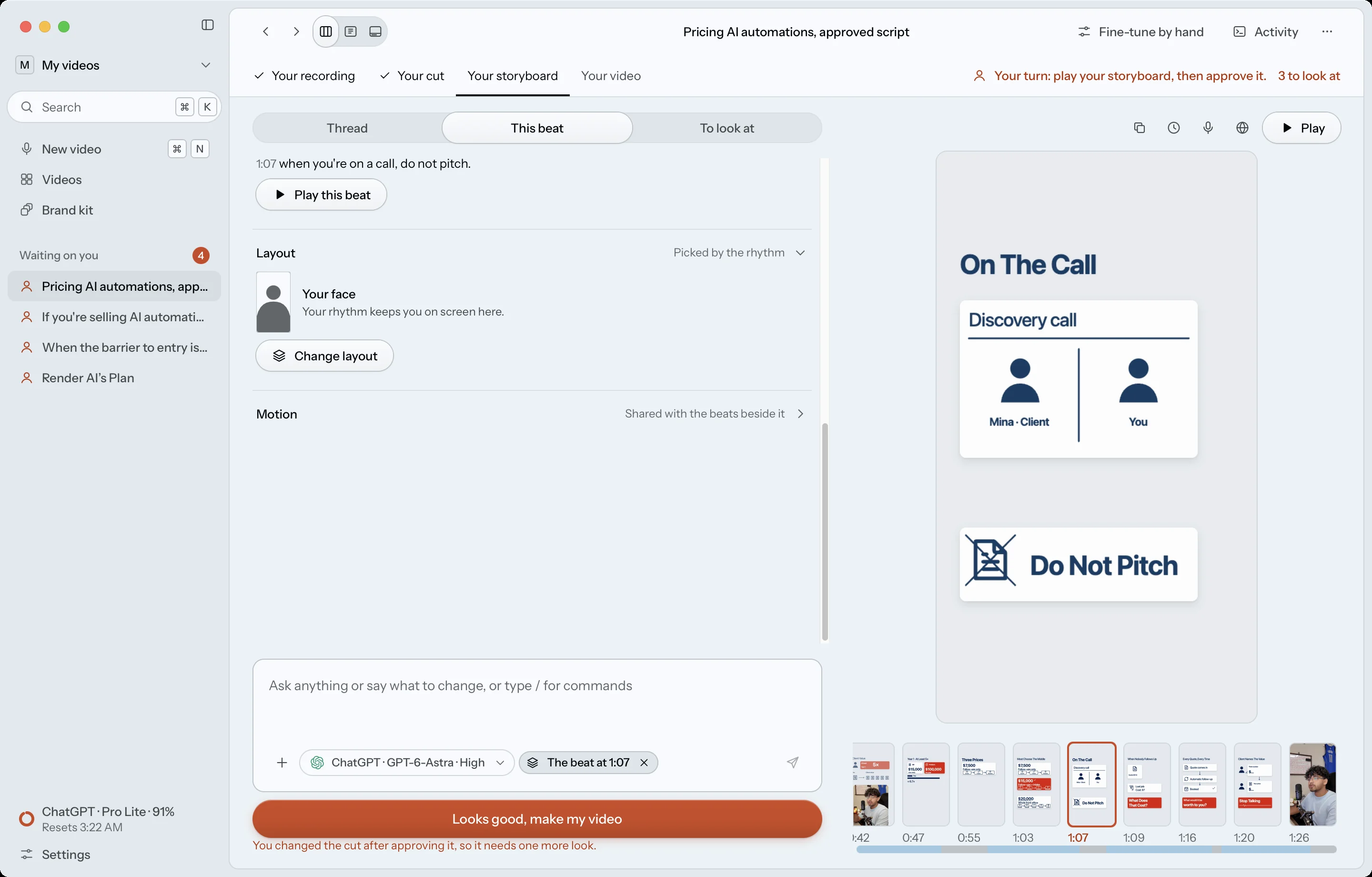
If you code with AI, you have seen this before. Conductor, Orca and Enjoy gave coding agents a proper place to work. This is that place for video.
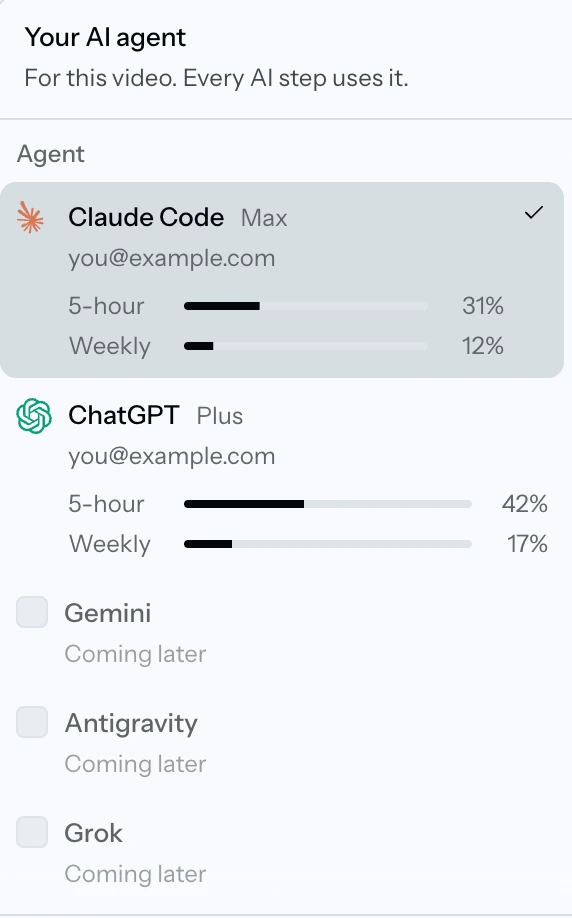
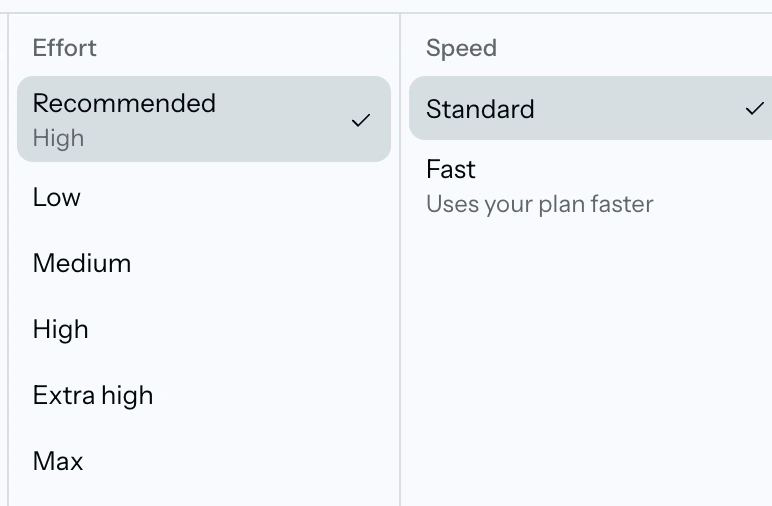
Claude or ChatGPT, the model and the effort, for the whole video or step by step. The app shows how much of your plan is left. If your plan hits its limit, the job pauses and picks up where it stopped.
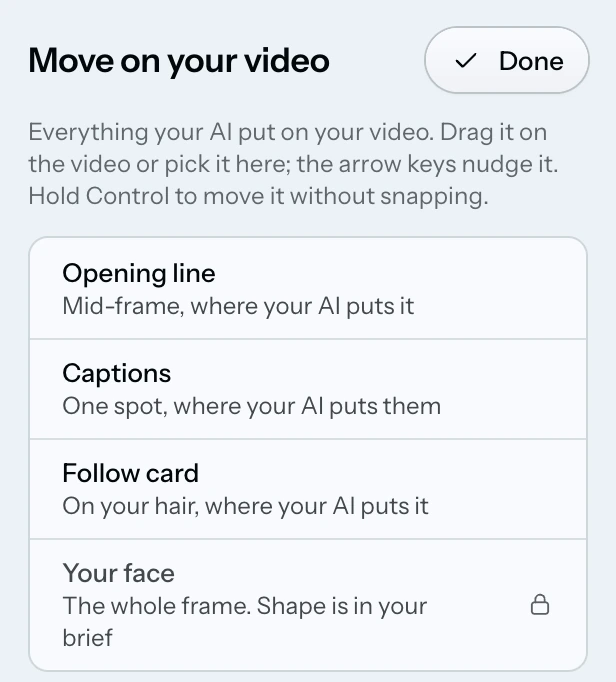
Drag the opening line, the captions and the follow card. The app warns you when something would sit under the Reels or TikTok buttons. It never stops you.
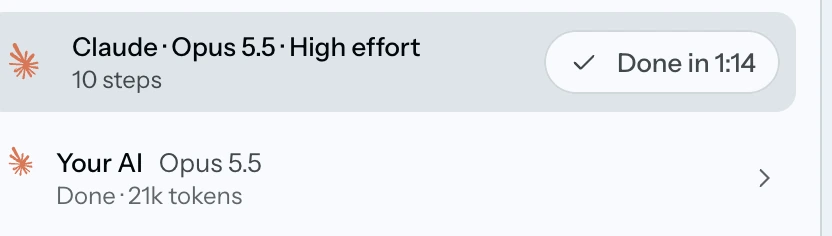
Activity lists each step, which model did it, how long it took and how much it used.
Type what you want changed, or split, trim and put back on the timeline yourself. Every cut shows who made it and why.

The app asks before it looks at your Mac's specs, then keeps every render inside that limit. Stop ends everything it started.
You can already do this without us. Here is what changes.
| In a chat window | With a terminal plugin | In this app | |
|---|---|---|---|
| Getting started | Upload your footage to the chat. | Install the tools and type commands. | Drop your takes on the window. |
| While it works | You wait for a file to come back. | You read a scrolling log. | You watch each step, and each frame as it is drawn. |
| Changing something | You describe it again and wait. | You rerun a command or edit code. | You say it, or you drag it by hand. |
| Checking the result | You do, by watching it. | You do, by watching it. | The app measures the file first. Then you watch it. |
| Your footage | Goes to the chat's servers. | Stays on your computer. | Stays on your Mac. |
The first one was made in the app from start to finish, and it plays with sound. The other three were edited by Claude with the same system, before it had an app.
Drop your clips and say what you want in plain words. Your AI picks the takes, cuts, captions and draws the graphics. No brand kit needed.
One direction asked for a heavily edited video and the other for a calm one. ChatGPT and Claude each made both. Tap one to play it with sound.
This works in our tests. It has not yet been run in the app's window on real footage.
I make talking videos about building software with AI. For months I edited them by typing at Claude in a terminal. The AI was good at the edit. Everything around it was the problem: finding the files, explaining the job again, checking the result by hand.
So I built the window I wanted. The pricing video above is the first one made in it from start to finish, and that is me in it.
Not yet. There is no installer, and it runs as a test build on one Mac. The waitlist is how you hear first when there is a version you can install.
A Mac, and either Claude Code or ChatGPT's coding agent installed and signed in on your own paid plan. So far it has been tested on one Apple silicon Mac. Windows is not built.
No. You never type a command in the app. The one technical step is having Claude Code or ChatGPT's coding agent set up on your Mac first.
Two today. A straight talking video, with your cut and, if you want them, captions, an opening line and a follow card. And a lesson, where drawings appear on screen as you explain. Wide video stays wide and vertical stays vertical unless you ask.
Not to us. The app has no account and no server of ours in the middle. The words of your video, and frames of the scenes it draws, go to the AI you chose, through its own app on your own plan.
No. The scenes are drawn in code, and the person on screen is you.
That is not set yet. You will hear on the waitlist before anything is charged.
There is nothing to buy today. Leave your email and you get one message when there is something to install.
You are on the waitlist
Answers sent. The first testers get picked from these, and you will hear by email.